

You're asking the wrong question. The real issue isn't which software has the prettiest dashboard or the most features. I've seen too many projects fail because they picked software first and figured out the system later. The truth? Software alone won't save your digital signage project—it's the entire system that matters.
The best custom digital signage software is one that works seamlessly with your hardware, survives network failures, and runs 24/7 without human intervention. It's not about features—it's about system-level compatibility between your CMS, playback hardware, and display endpoints (LED modules, silicone neon flex, or control drivers).

Here's what nobody tells you: that demo you saw in the sales meeting? It was running on office WiFi with a high-end computer. Your actual deployment will face weak networks, power fluctuations, and hardware that's 10% the cost of that demo setup. That gap is where 90% of projects die.
Why do most digital signage projects fail after perfect demos?
I've watched this happen dozens of times. The demo looks flawless. Content switches smoothly. Remote control works like magic. Then you deploy across multiple locations, and everything falls apart.
The core failure pattern: "Demo-perfect, deployment-disaster." Your software works beautifully in controlled environments but collapses when facing real-world conditions like weak networks, mixed hardware batches, and 24/7 runtime stress.
The brutal reality of multi-location deployments
Let me break down what actually happens:
During the demo phase:
- Content updates instantly
- Video playback is smooth
- Remote monitoring shows green status everywhere
After real-world deployment (especially outdoor or multi-store):
- Playback stutters or freezes
- Content sync fails (Store A updates, Store B shows yesterday's content)
- LED displays stay lit but show frozen frames
- You get emergency calls at 2 AM because half your signs went dark
The worst part? Your software vendor will blame your network. Your network team will blame the hardware. Your hardware supplier will blame the software. Everyone points fingers while your client's brand sits in the dark.
| Component | Demo Environment | Real Deployment | Risk Level |
|---|---|---|---|
| Network | Stable office WiFi | Weak 4G, intermittent connections | Critical |
| Hardware | High-spec test units | Budget Android boxes, mixed batches | High |
| Runtime | 8-hour demos | 24/7 continuous operation | Critical |
| Content | Pre-loaded samples | Dynamic updates, large files | Medium |
| Support | Tech team on standby | Remote locations, no IT staff | High |
Here's the technical truth nobody wants to admit: Software companies don't understand hardware limitations. Hardware suppliers don't understand system architecture. You're stuck in the middle trying to make incompatible pieces work together.
I've seen projects where the CMS was designed for high-bandwidth environments, but the actual deployment used cellular connections that dropped every few hours. The software kept trying to stream content instead of playing cached files. Result? Blank screens whenever the network hiccupped.
Another common disaster: using consumer-grade Android TV boxes for commercial deployments. They work fine for the first month, then start randomly rebooting. Why? Because they were never designed for 24/7 operation in outdoor enclosures where temperatures swing from -10°C to 50°C.
The LED control protocol issue is even more technical. Your software might output at 30fps, but your LED driver expects 60Hz refresh. The mismatch causes visible flickering that looks terrible on camera and confuses customers. Nobody catches this during indoor demos with standard displays.
How do you build a failure-proof digital signage system?
I don't start with software selection. I start by locking down three foundational capabilities that determine whether your system will survive real-world conditions.
The system must operate offline-first, use industrial-grade hardware, and maintain perfect sync between software output and display hardware. These three pillars are non-negotiable for any deployment lasting longer than a trade show.
Architecture layer: Offline-capable operation is mandatory
I only accept one type of system architecture: local cache + cloud sync (dual-mode operation).
Here's how this works in practice:
Content storage:
- All playback files stored locally on the device
- Cloud serves as update source, not primary content delivery
- Updates happen during scheduled windows, not on-demand
Offline behavior:
- Network loss triggers local playlist continuation
- Pre-defined fallback content for emergency situations
- No blank screens, no "loading" messages visible to customers
Sync mechanism:
- Automatic retry with exponential backoff
- Version control to prevent partial updates
- Health reporting when connection restores
Why this matters: I worked on a retail chain deployment where one location had a faulty router. With pure cloud-based software, that store's signs would have gone dark. With offline-first architecture, customers never knew there was a problem. The system kept playing cached content for three days until the router was replaced.
The technical implementation requires specific capabilities:
| Feature | Why It Matters | What Happens Without It |
|---|---|---|
| Local storage (min 32GB) | Holds full content library | Can't cache enough content, frequent reloads |
| Scheduled sync windows | Reduces bandwidth strain | Constant network traffic, higher costs |
| Fallback playlists | Ensures something always plays | Blank screens during failures |
| Delta updates | Only transfers changed files | Wastes bandwidth, slower updates |
| Version checksums | Prevents corrupted playback | Glitchy content, partial displays |
Hardware layer: Industrial-grade components only
I enforce strict hardware requirements because consumer electronics fail in commercial environments. This isn't optional—it's the difference between 6-month replacement cycles and 5-year deployments.
Mandatory specifications:
- Industrial-grade media players (not repurposed TV boxes)
- Fixed CPU/RAM configurations across all units (no mixed batches)
- Watchdog timer for automatic recovery from crashes
- Operating temperature range: -20°C to 70°C
- MTBF (Mean Time Between Failures) rating above 50,000 hours
Here's what happens when you cut corners: A hotel chain used consumer Android boxes to save $30 per unit across 200 locations. Within 8 months, 40% needed replacement due to heat-related failures in outdoor installations. The replacement cost, plus labor and downtime, exceeded $15,000—ten times what they "saved."
I specify components like this:
Processor requirements:
- ARM Cortex-A53 quad-core minimum (not budget dual-core)
- Dedicated GPU for smooth 4K playback
- Hardware-accelerated video decoding
Why: Budget processors overheat during continuous operation, causing thermal throttling that makes smooth playback impossible after a few hours of runtime.
Memory configuration:
- 2GB RAM minimum (4GB for 4K content)
- 16GB eMMC storage minimum (32GB preferred)
- No SD card-based systems (too unreliable)
Why: Insufficient RAM causes app crashes. SD cards fail after 6-12 months of continuous read/write cycles in commercial environments.
Power management:
- Watchdog timer that force-reboots on system freeze
- Scheduled reboot capability (weekly maintenance)
- Power-loss recovery (auto-restart after outage)
Why: Systems running 24/7 accumulate memory leaks and software bugs. Automatic recovery prevents manual service calls.
Display endpoint integration: The overlooked critical factor
This is where most projects fail because nobody tests the complete signal chain. Your software outputs perfect video, but the display shows flickering, ghosting, or color shifts. Why? Protocol mismatch.
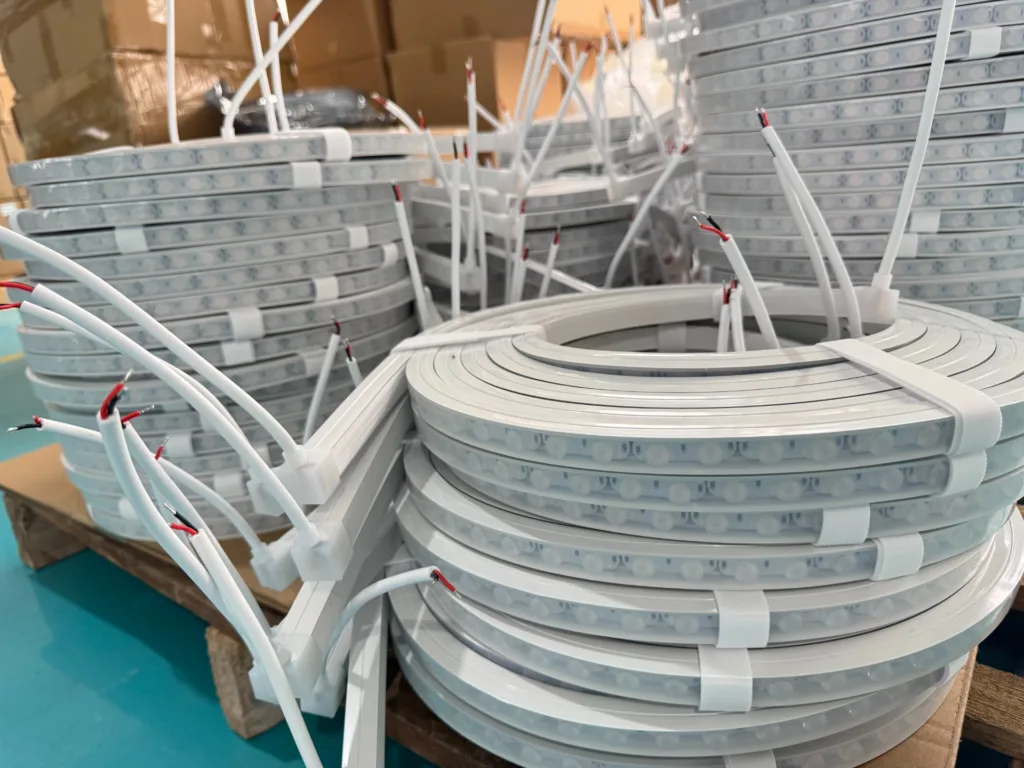
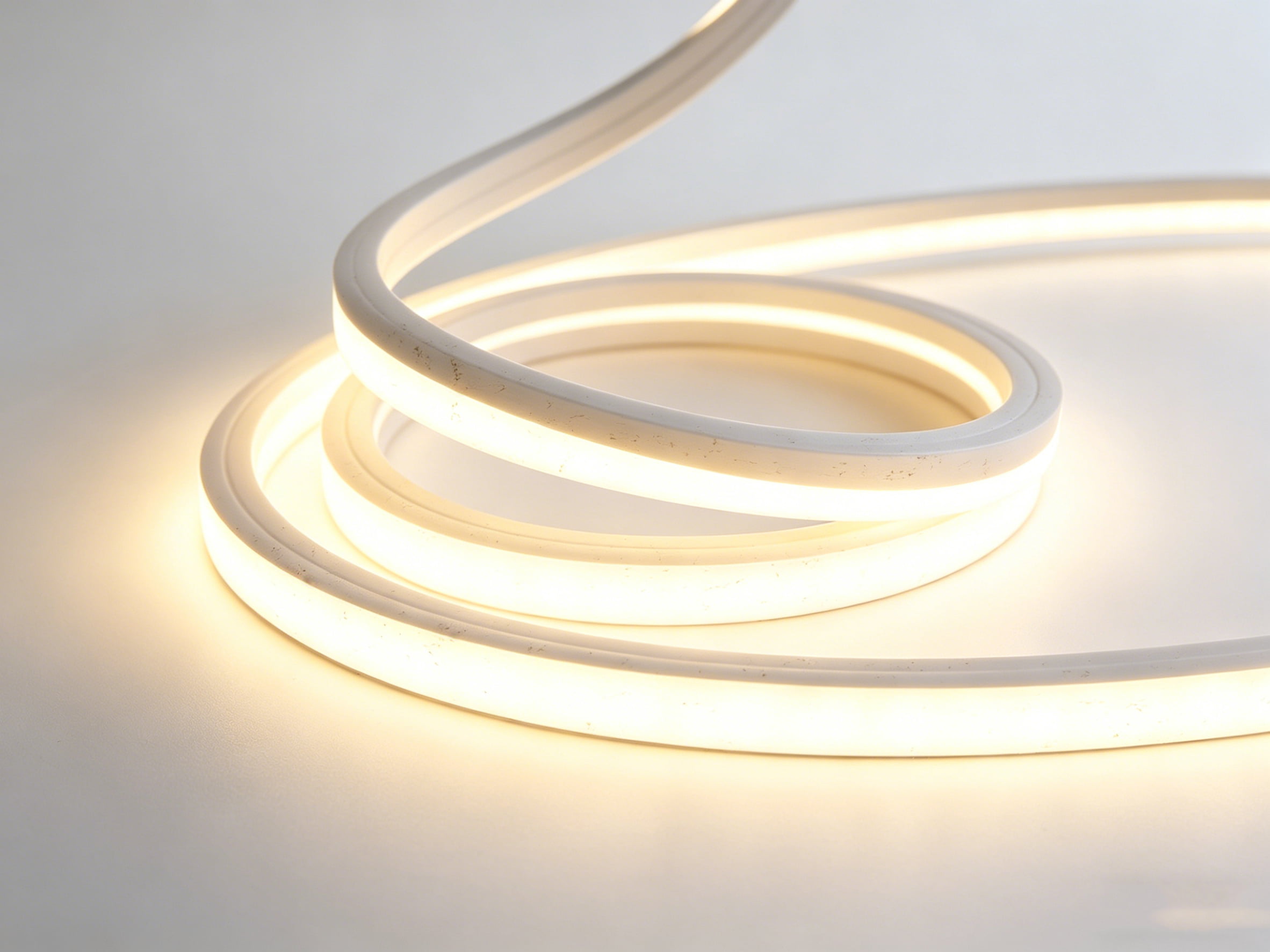
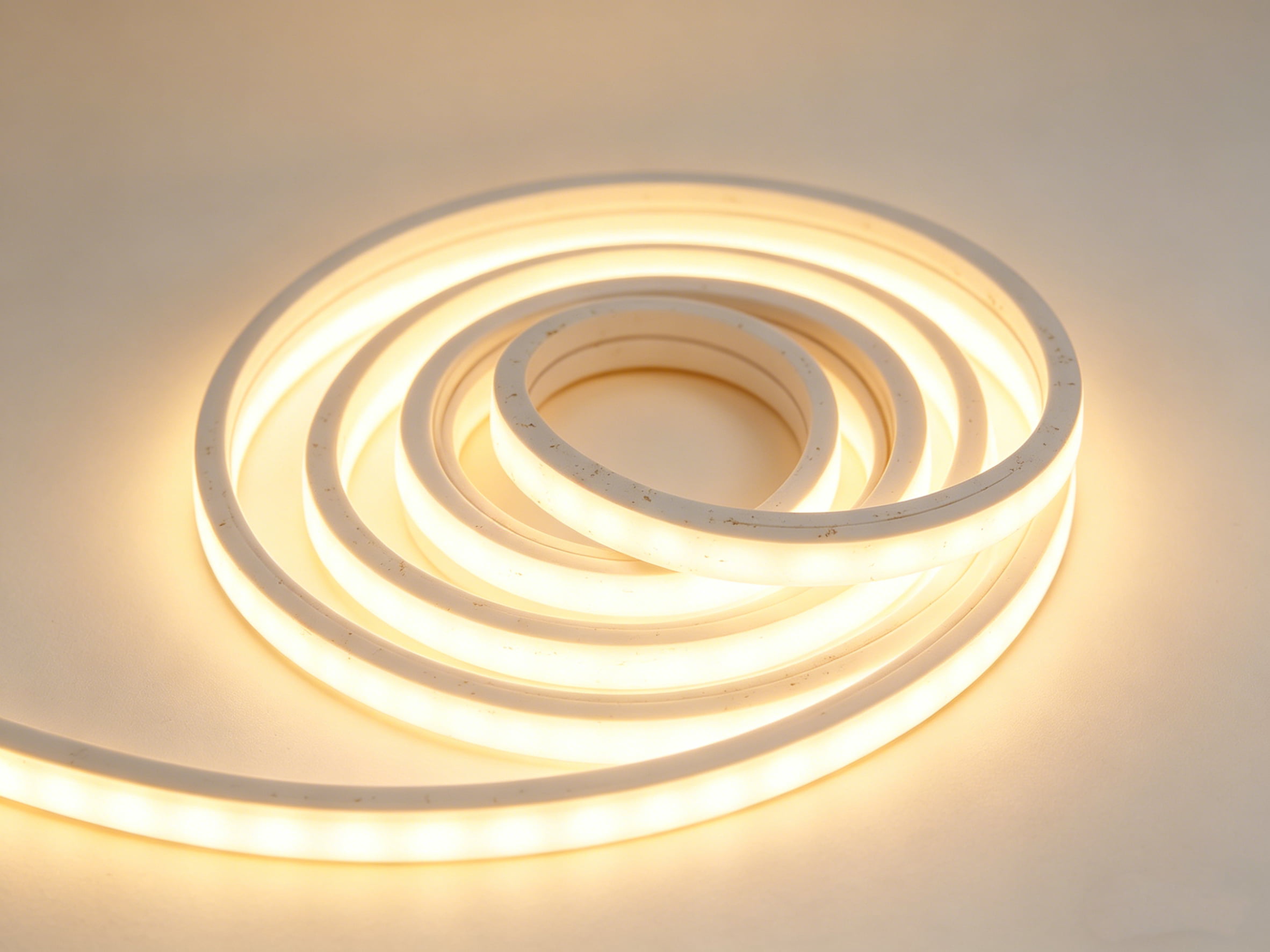
If you're using LED modules or silicone neon flex (which we manufacture), I verify three technical alignments:
Refresh rate synchronization:
- Software output frame rate (typically 30fps or 60fps)
- LED controller refresh rate (can be 60Hz, 120Hz, or variable)
- Camera flicker elimination (requires >1000Hz effective refresh)
Why this matters: I've seen installations where content looked perfect to the human eye but appeared as rolling black bars on smartphone cameras. Customers filming your display for social media see terrible quality, damaging brand perception.
PWM dimming compatibility:
- Software brightness commands
- LED driver PWM frequency (typically 1kHz-20kHz)
- Dimming curve linearity
Why this matters: Some software sends linear brightness commands (0-100%), but LED drivers use logarithmic curves. Result? Your "50% brightness" setting looks like 20% to viewers, and fine adjustments are impossible.
Long-term performance stability:
- Brightness degradation compensation over time
- Color temperature shift correction
- Pixel-level uniformity maintenance
Why this matters: LED modules degrade at different rates depending on color (blue degrades fastest). After 10,000 hours, uncompensated systems show visible color shifts and brightness variations across the display. Your content looks great initially but becomes unwatchable after 18 months.
| Integration Point | Technical Challenge | Solution Requirement | Failure Symptom |
|---|---|---|---|
| Frame rate sync | Software 30fps vs LED 60Hz | Configurable output matching | Visible flicker |
| Dimming protocol | Linear vs PWM curves | Driver-aware brightness mapping | Uneven dimming |
| Color calibration | RGB degradation variance | Automatic compensation | Color shift over time |
| Pixel mapping | Software resolution vs physical layout | Custom matrix configuration | Distorted images |
| Power sequencing | Startup surge management | Staged power-on protocol | Random failures |
I once worked with an architectural lighting project using our silicone neon flex for a hotel facade. The software company insisted their system was "LED-compatible." After installation, nighttime video content showed obvious stuttering that wasn't visible during daytime static images. The issue? Their software assumed 60fps output was fine, but our LED driver needed synchronized 120Hz refresh for smooth motion at low brightness levels. We solved it by customizing the driver firmware, but only because we manufacture the hardware—most integrators can't fix this.
What should you actually verify before choosing software?
Stop looking at feature lists and pricing tables. Start asking these three questions that reveal whether a solution will survive real deployment.
Demand proof of offline operation, industrial hardware certification, and long-term integrated testing with your specific display technology. Any vendor who can't provide concrete answers to all three is selling you risk, not solutions.

Question 1: Show me offline operation under network failure
Don't accept vague promises. Demand a live demonstration:
Test scenario: "Disconnect your demo system from the network right now. Show me what happens to playback. Wait 5 minutes. Reconnect. Show me the sync process."
What you're looking for:
- Zero visible interruption during network loss
- Automatic continuation of scheduled content
- Clean recovery when network returns (no manual intervention)
- Detailed logging of what happened during offline period
Red flags:
- "It should work offline" (should ≠ proven)
- "You need to configure failover manually" (too complex for multi-site)
- "It'll show a default screen" (customers see error messages)
- Blank screen or loading spinner during network loss
I tested a "leading" CMS platform that claimed offline support. When I pulled the network cable during their demo, the screen went black for 8 seconds before showing a "connection lost" error. That's unacceptable. Your customers shouldn't know there's a technical problem.
Question 2: Prove your hardware is industrial-grade
Ask for specific technical documentation:
Required proof:
- MTBF ratings with test methodology
- Operating temperature certification (-20°C to 70°C minimum)
- Continuous operation test results (30-day burn-in minimum)
- Watchdog timer implementation details
- Field failure rate data from existing deployments
What you're looking for:
- Actual test reports, not marketing claims
- Third-party certifications (UL, CE for industrial use)
- Warranty terms that cover 24/7 operation
- Replacement part availability (5+ year commitment)
Red flags:
- "We use quality components" (meaningless without specs)
- Consumer-grade certifications only
- Warranty excludes "commercial use"
- No spare parts program
One vendor told me their Android box was "industrial quality" because it had a metal case. I asked for the MTBF rating. They couldn't provide one. That's a consumer product in a fancy box, not industrial hardware.
Question 3: Demonstrate display integration testing
This separates real solutions from theoretical ones:
Test requirements: "Show me this exact software running with my specific display hardware (LED modules, silicone neon flex, whatever you're using) for at least 72 continuous hours. I need to see startup, runtime, content changes, and any visible artifacts."
What you're looking for:
- No flicker visible to camera (smartphone test)
- Smooth brightness transitions across full range
- Color consistency across multiple units
- Clean content switching without glitches
- Stable performance after 24+ hours runtime
Red flags:
- "It's all standard HDMI/SPI, it'll work fine" (protocols vary)
- Short demo only (hides time-dependent issues)
- Different hardware than you'll actually use
- Unwillingness to do extended testing
I insist on 72-hour integration tests because problems appear over time. Memory leaks cause crashes after 36 hours. Thermal issues emerge after sustained operation. Color drift becomes visible after 48 hours of continuous dimming cycles. A 10-minute demo hides all of this.
Conclusion
The best digital signage software isn't the one with the most features—it's the one that works flawlessly with your complete system under real-world conditions. Demand offline capability, industrial hardware, and proven display integration before you sign any contract.